
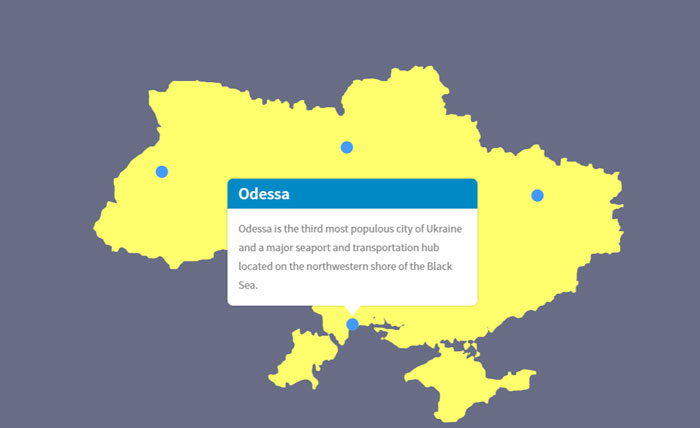
Animated map of Ukraine with popup
Sample 1. Animated map of Ukraine with popup
Animated map of Ukraine with popup Read More »
Sample 1. Animated map of Ukraine with popup
Animated map of Ukraine with popup Read More »
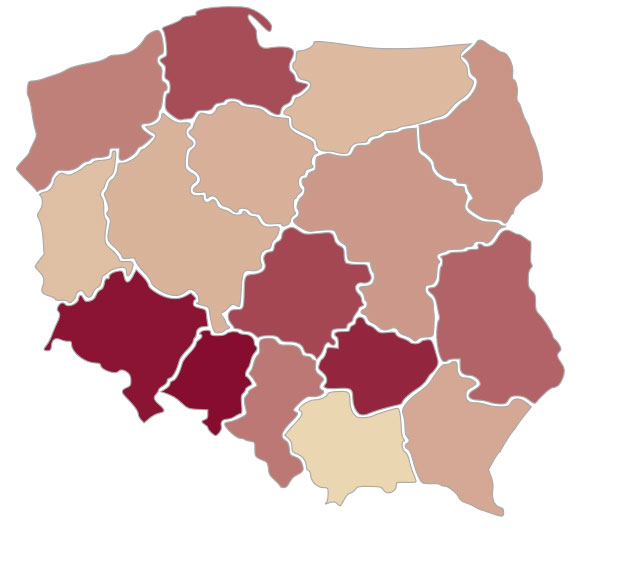
Description: Interactive Intensity Map created using D3.js. Demo 1: Demo 2: https://mapper.guru/map/d3/map.html Output data: – .html, .css, .gejson, .js files Features: – Intensity Map Tools: – D3.js – QGIS Where to use: – Interactive maps on your web page [contact-form-7 id=”1059″ title=”Order”]
Interactive Intensity Map created using D3.js Read More »
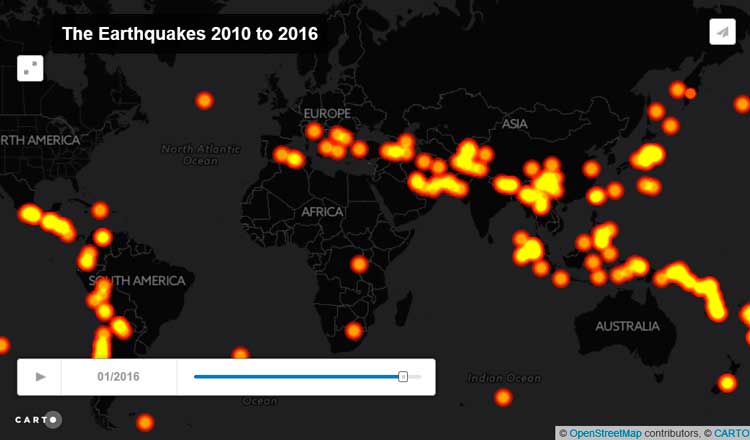
Description: An animated map created using CartoDB and Torque.js. Demo 1:
Animated map created using CartoDB with time slider Read More »
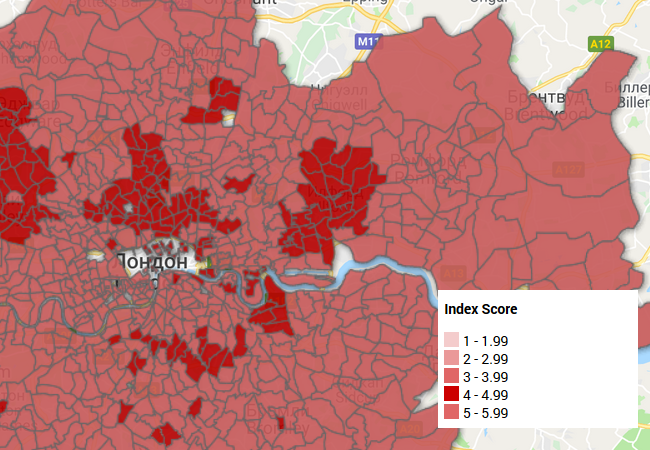
Description: Interactive map created using Google Fusion Tables and and inserted in a web page with the use of html and javascript code. It is possible to configure filters, attributes, and more. Demo: Video: Output data: – Google Spreadsheets – Excel tables – .kml, .csv files Features: – Many filters – Many layers
Interactive map created using Google Fusion Tables + Google Maps Javascript API Read More »
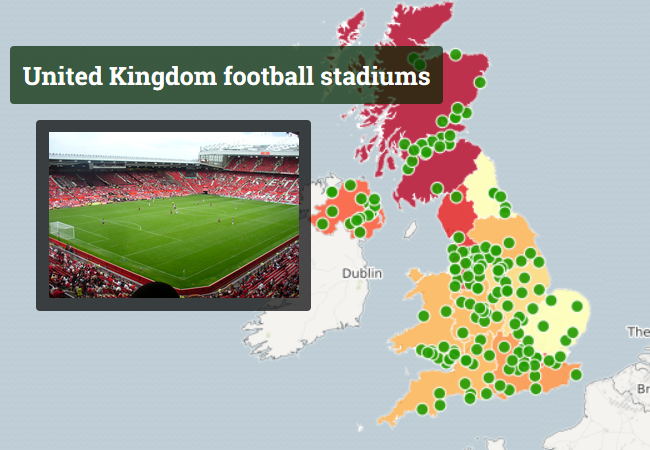
Description: Interactive map created using CartoDB. Demo 1: Demo 2: Demo 3: Output data: – excel tables, google spreadsheets; – .kml, .kmz, .shp, .svg files. Features: – cluster map, choropleth map, zoom control, laers control, – style map of MapBox Tools: – CartoDB – MapBox Where to use: – Interactive maps on your web page
Interactive map created using CartoDB Read More »
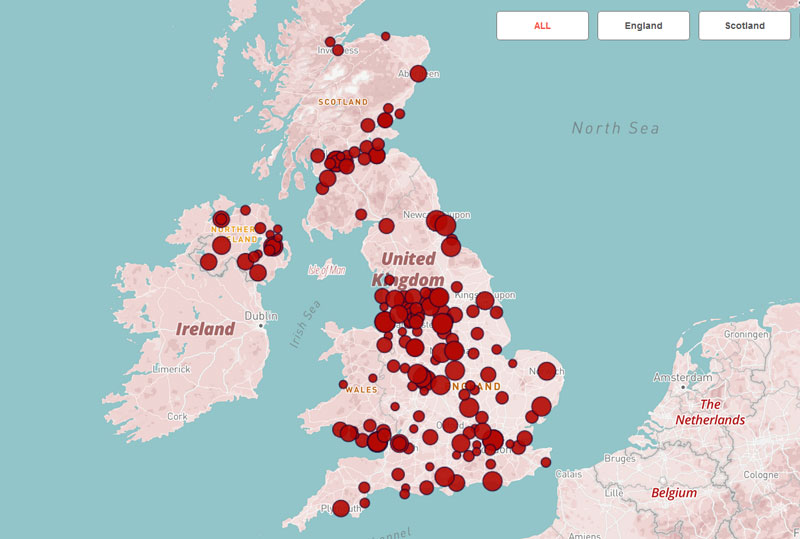
Description: Filterable map created using CartoDB. Demo 1: Output data: – excel tables, google spreadsheets; – .kml, .kmz, .shp, .svg files. Features: – filterable map, zoom control, laers control, – style map of MapBox Tools: – CartoDB – MapBox Where to use: – Interactive maps on your web page [contact-form-7 id=”1059″ title=”Order”]
Filterable map created using CartoDB Read More »
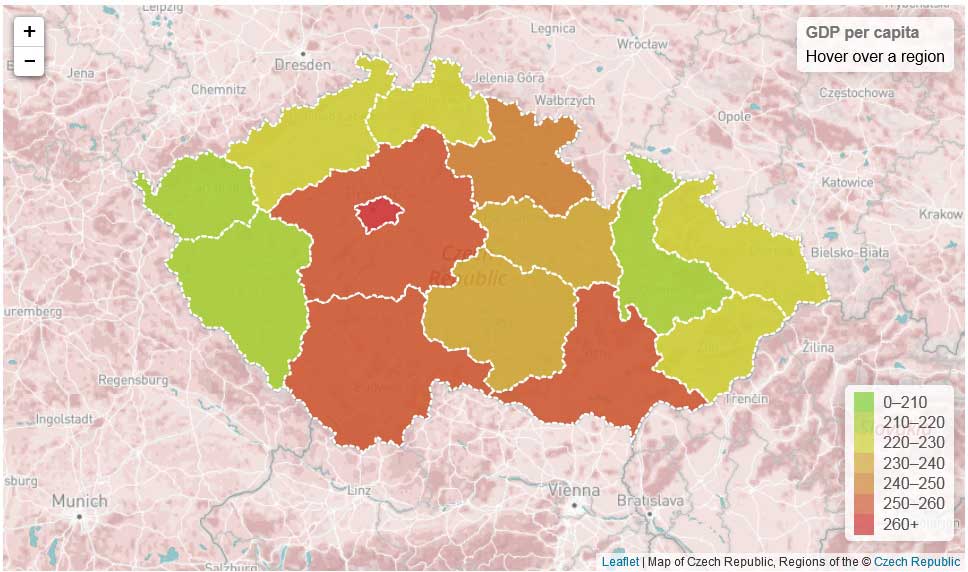
Description: Interactive Choropleth Map created using Leaflet.js. Demo 1: Output data: – .html, .css, .gejson, .js files Features: – Choropleth Map – Custom style of the base layer MapBox Tools: – Leaflet.js – MapBox Studio – QGIS Where to use: – Interactive maps on your web page [contact-form-7 id=”1059″ title=”Order”]
Interactive Choropleth Map created using Leaflet.js Read More »
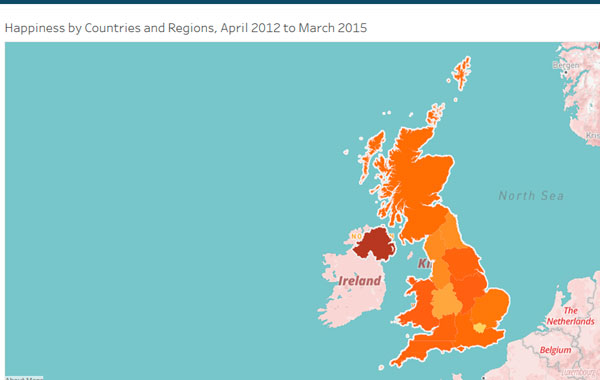
Description: Interactive map created using Tableau with base map of MapBox and custom filter. Demo 1: Demo 2: https://public.tableau.com/views/Book19_08/Sheet1?:embed=y&:display_count=yes Output data: – excel tables, google spreadsheets; – .csv, .txt, .shp, files. Features: – interactive map, custom filter, legend – style map of MapBox Tools: – Tableau – MapBox Where to use: – Interactive maps
Interactive map created using Tableau Read More »
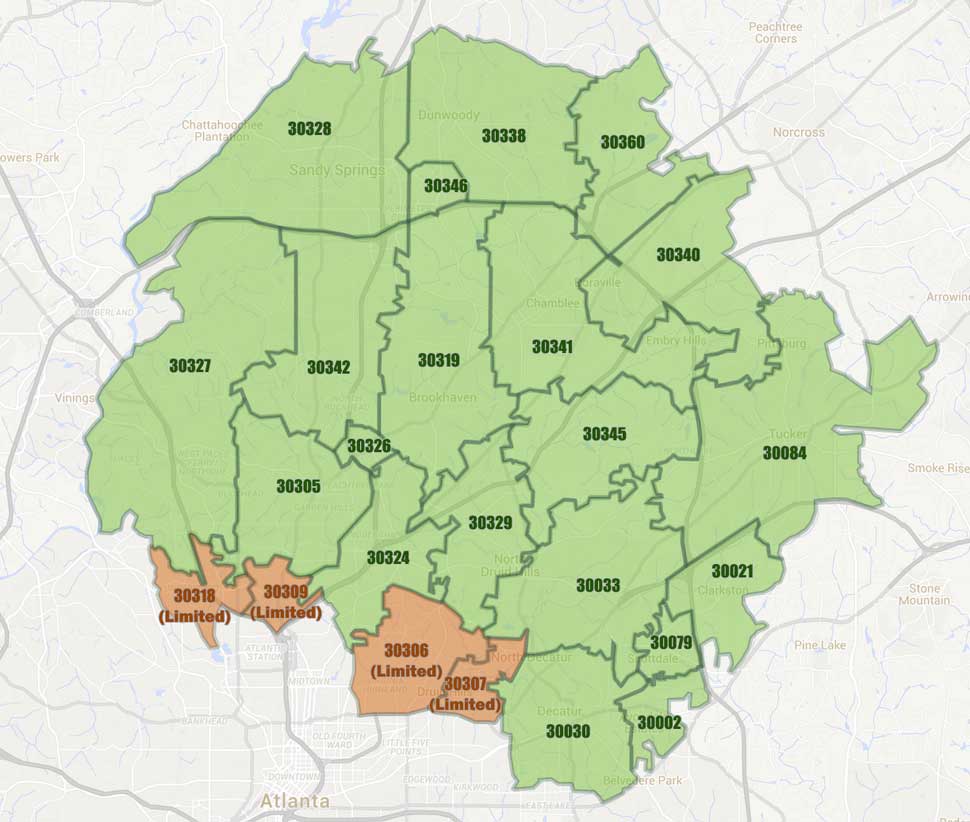
Description: Creating of delivery zone map with boundaries of zip codes for the restaurant. Demo 1: Output data: – .psd, .jpg, .png, .gif files Features: – Delivery zone map – Zip codes map Tools: – Adobe Photoshop – Google Maps Where to use: – Raster maps on your web page [contact-form-7 id=”1059″ title=”Order”]
Delivery zone map with boundaries of zip codes Read More »
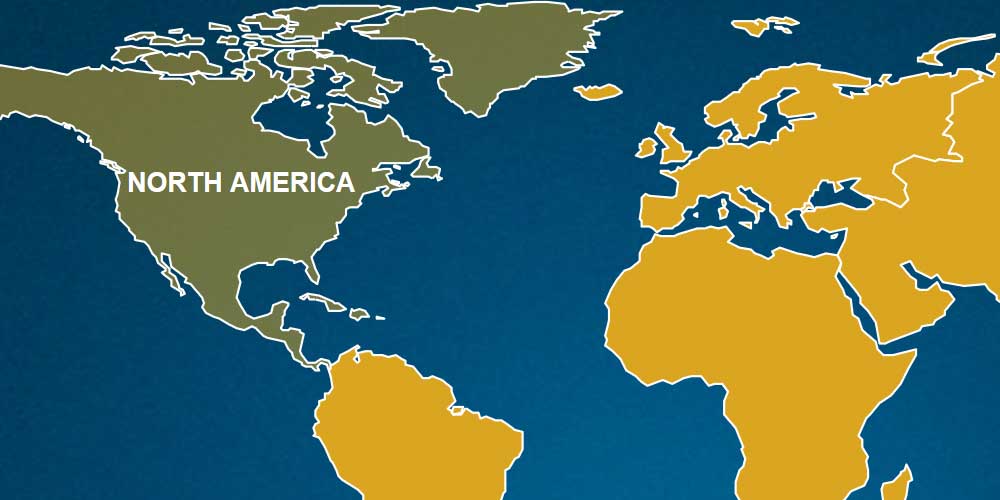
Description: Interactive map of continents in .SVG format with hyperlinks, animation, and text. After clicking on one of the continents – a transition to another page. Demo 1: Demo 2: Demo 3: Output data: – .ai, .psd files Features: – Interactive map – Animation when you hover the cursor – Embedded hyperlink Tools: – Adobe
Interactive map in .SVG format Read More »